Background
Backgrounds that make it pop
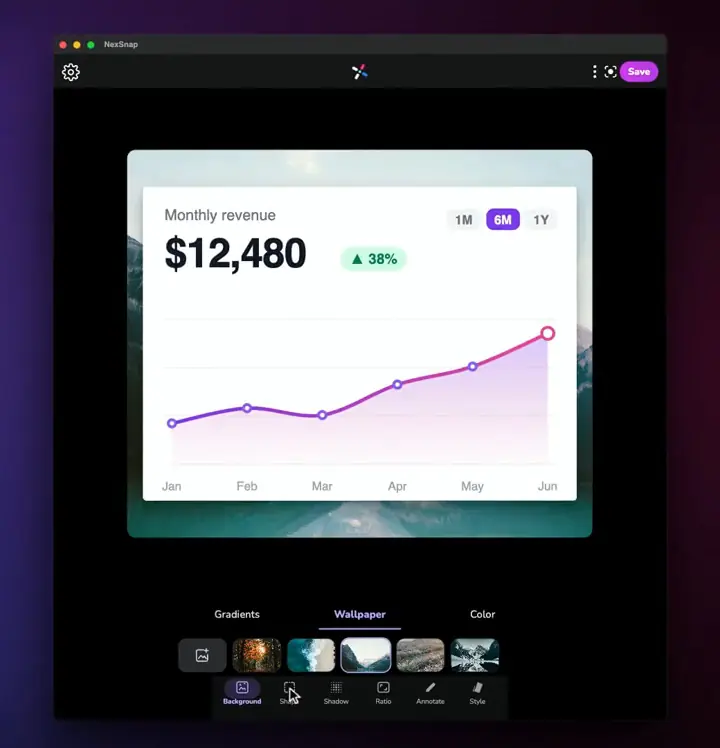
Pick one of 12 curated gradients, let Auto build one from your screenshot's own colors, or choose a wallpaper photo or a solid color.
- 12 gradients
- Auto from your colors
- Wallpaper photos
- Solid colors
Style after capture
Drop in a screenshot, add a background, rounded corners, shadow and annotations (text, arrows, boxes, numbered steps), choose a ratio, and export a 4K PNG. Every tool is free; free exports have a watermark, and Pro removes it.
The editor
Each tab in NexSnap does one job well, and every change shows up live as you make it.
Background
Pick one of 12 curated gradients, let Auto build one from your screenshot's own colors, or choose a wallpaper photo or a solid color.
Shape
Round the corners, add padding and inset, and frame your screenshot with a colored border. Sliders update the canvas as you drag.
Shadow
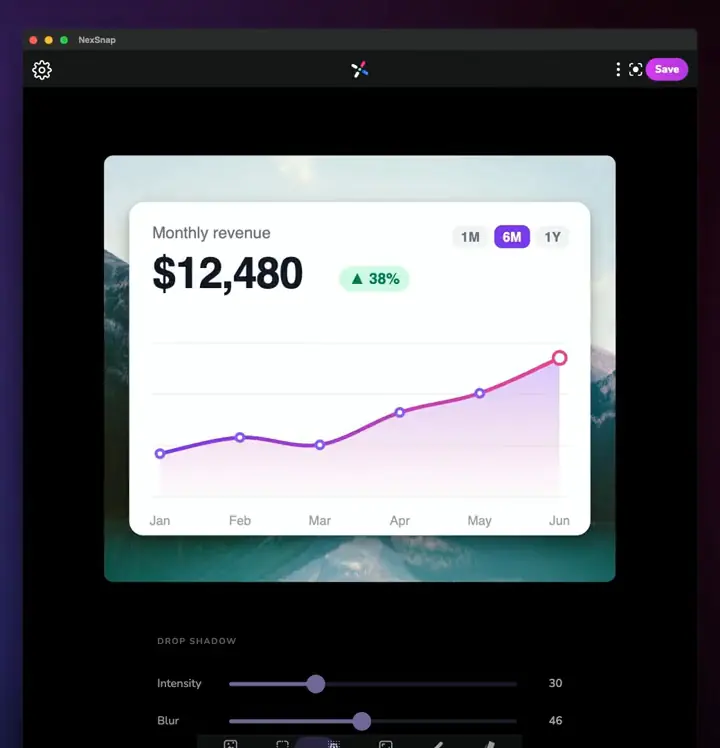
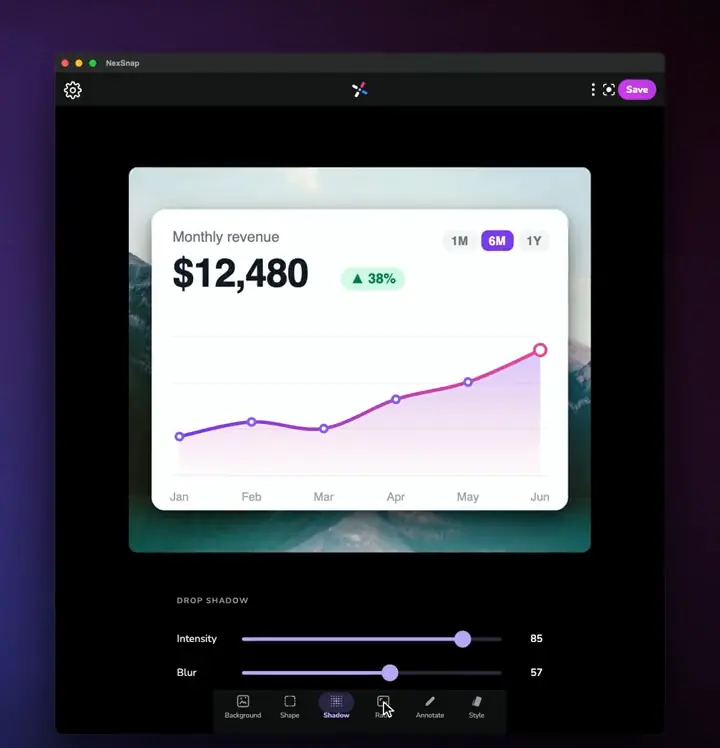
Dial in shadow intensity and blur so your screenshot lifts off the background instead of sitting flat.
Ratio
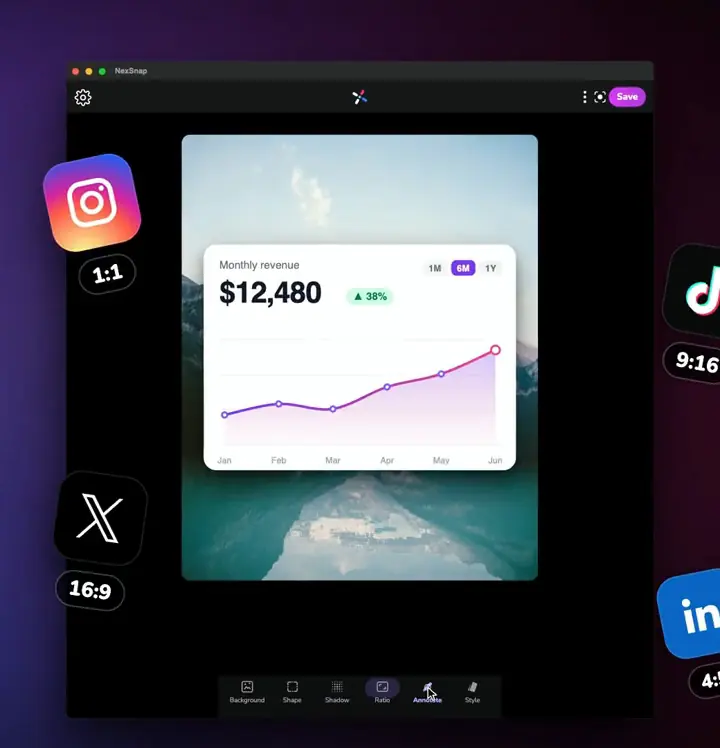
Resize the canvas in one tap without cropping your screenshot.
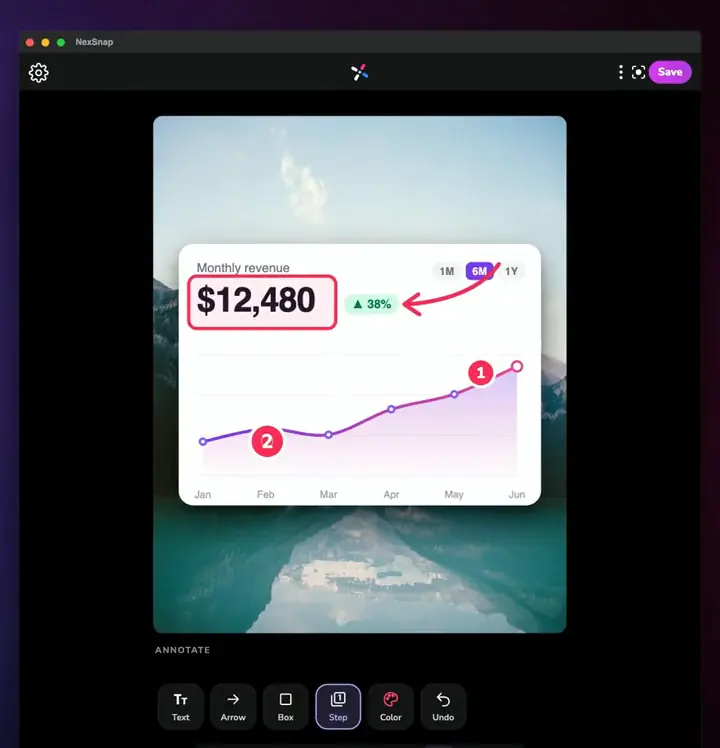
Annotate
Add text, arrows, boxes and numbered steps in the color you choose, so your screenshot explains itself.
Style
Style presets wrap your screenshot in a clean card, a stack of layered cards or a macOS-style browser window with traffic lights and a URL bar.
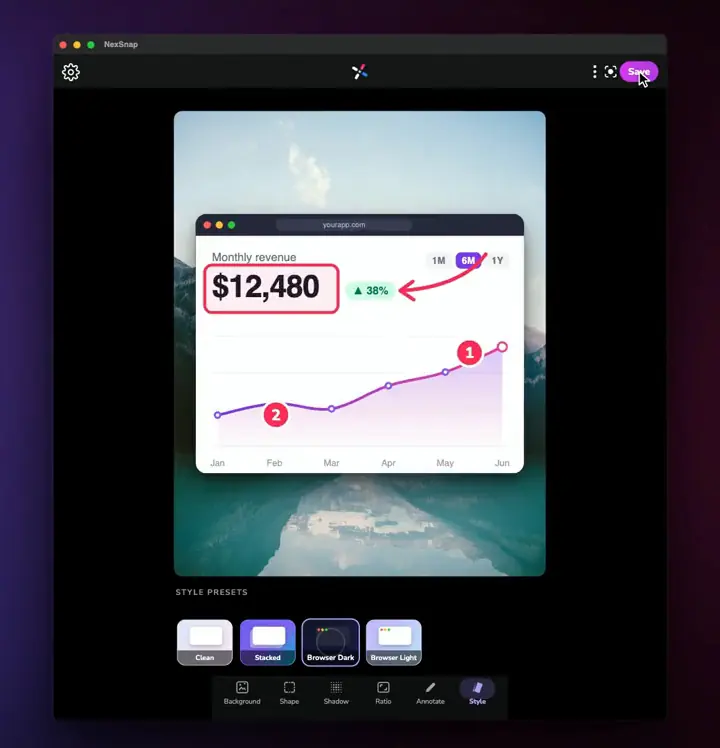
A typical editing flow.
Everywhere you work
Scan a code with your phone, or tap a platform to open its store.
One App Store listing for every Apple device.
4.2 · 88 on the App Store
Pricing
Every editing tool is free. Upgrade to Pro to remove the watermark and get every pro background, style and enhancement.
Everything you need to style a screenshot.
For clean, unbranded exports.
Upgrade inside the app. On the US App Store configuration, Pro is $39.99 a year or $49.99 lifetime. Plans and prices depend on your store and region, and you see the exact price before you pay.
Compare NexSnap with CleanShot X, Xnapper and ScreenSnap Pro
Yes. Every editing tool is free to use. Free exports carry a NexSnap watermark; NexSnap Pro removes the watermark and unlocks pro backgrounds and styles.
Yes. Open the web editor at app.nexsnap.app and drag a screenshot onto the canvas.
Yes. The Annotate tab includes text, arrows, boxes and numbered steps in your chosen color.
NexSnap exports PNG images in 4K to Photos, Files or share sheets.
There is no Windows desktop app. Use the web editor at app.nexsnap.app from a Windows browser. NexSnap runs on iPhone, iPad, Mac, Android and the web.
iPhone mockup styling · scrolling screenshot · Blog guides · Homepage
